
Tuesday, 26 January 2016

Making the G&A logo
To create the logo in Photoshop, I had to create different layers for each word, to make moving them about more easier, then I had to type of the words in each layer. Then I went into the effects tab and began to make the text more eye-catching. The effects I used are:

- Bevel & Emboss
- Satin
- Color overlay
- Pattern overlay
- Stroke

The reason why I exported it as a PNG is because it makes the logo more sharp and detailed, it also makes the logo transparent so it can easily be placed anywhere without the hassle of a white background.

PNG
A PNG is a file type that is able to save images with transparency, it is also good at compressing images into small files. The down side to a PNG file is that it takes up more storage than the regular JPEG file. A PNG file has 256 number of colours and is a suitable file type for creating logos/icons.
Created in 1996 And is a "losslessy" which means when compressed it looses no quality. It was expected to replace GIF


Created in 1996 And is a "losslessy" which means when compressed it looses no quality. It was expected to replace GIF

Hardware:Camera
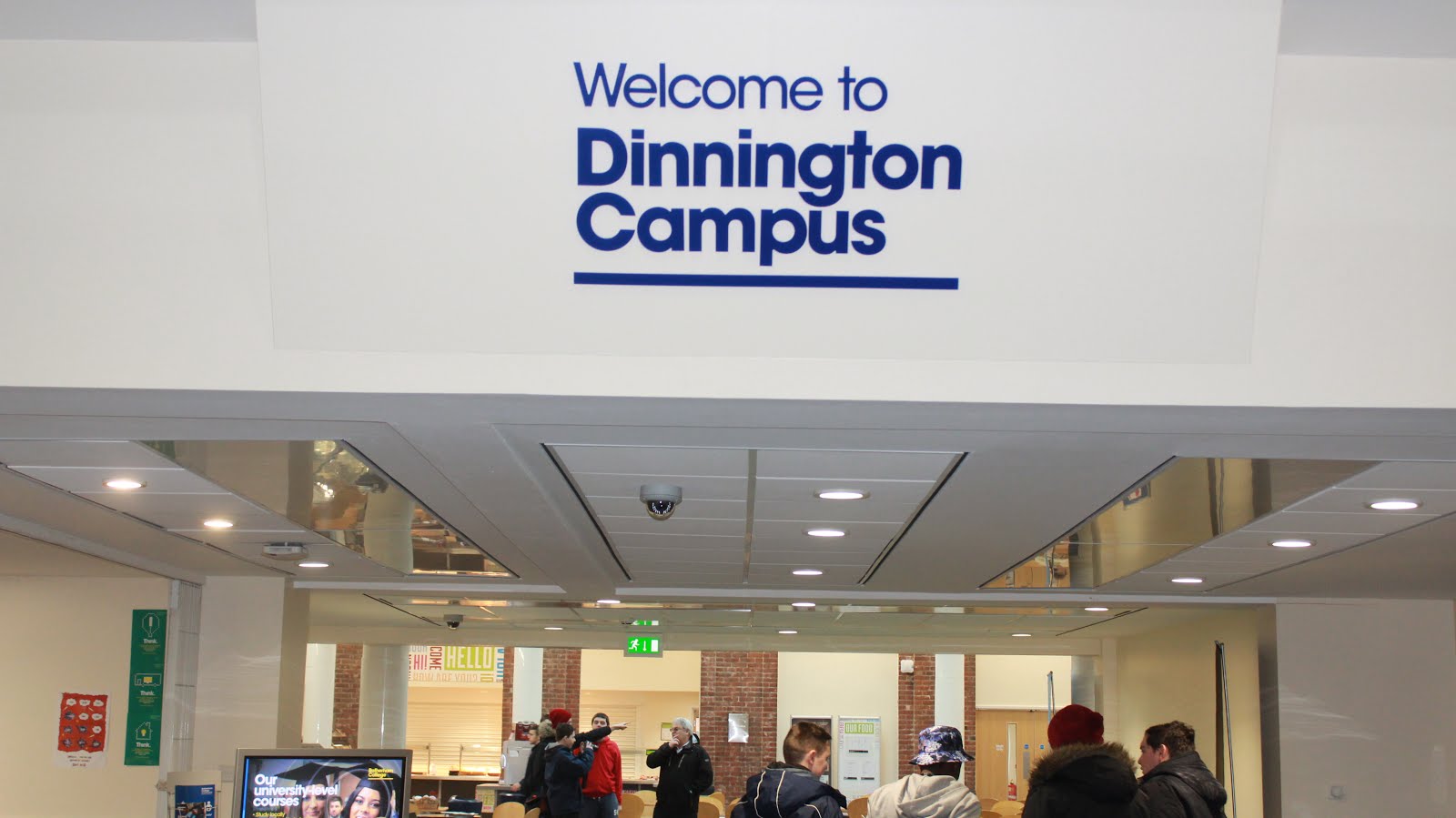
For this I had to go around my college and take pictures for my leaflet. The first one is the cafeteria, I took a picture of this because it was the most isolated place I can find, but someone still managed to get in the shot. Since it wasn't an interesting shot and it has an unknown face in it. I couldn't go with this for my leaflet. The second is the entrance to the college, I took a picture of this thinking a nice bold "welcome" would look good on the leaflet. I did not go with this because I didn't like the angle, also you can clearly see my classmates taking pictures in the background and I thought this would look unprofessional. And finally I took a picture of the building. It was a very generic idea but I couldn't find a better spot. Some classmates did get in the shot but fortunately their backs were turned. I went with this idea because it was the better picture and most clear.



JPEG
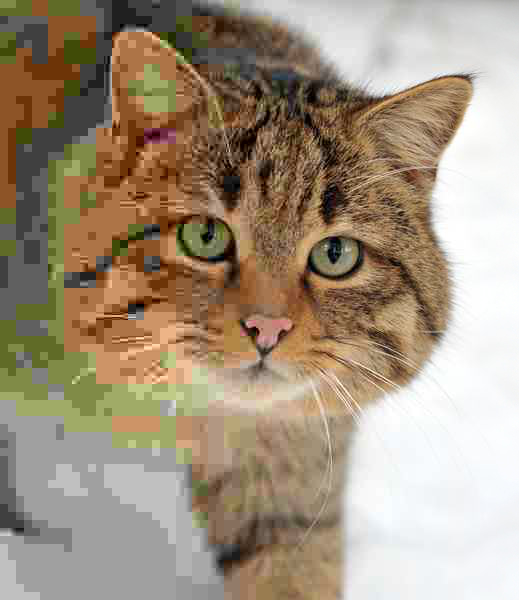
A JPEG is suitable for using highly detailed images such as photographs, it also uses much smaller file sizes than a PNG and GIF, although you are paying the price of losing image quality. This file type does not support transparency and is the least suitable for creating icons/logos.
JPEG was created in 1992 and works much better with photographs or natural scenery. It does not work well with lettering, black and white images, cartoon images. JPEG is a "lossy" which means you will lose quality when compressed, the quality of the image cannot be restored after that.


JPEG was created in 1992 and works much better with photographs or natural scenery. It does not work well with lettering, black and white images, cartoon images. JPEG is a "lossy" which means you will lose quality when compressed, the quality of the image cannot be restored after that.
GIF
A GIF file is used to create moving images, such as small animations. It supports transparency and has lossless compression much like a PNG file.The cons of using a GIF is that it uses a much larger file size bigger than a PNG.
GIF does not have good image quality and is likely to break.
GIF does not have good image quality and is likely to break.


.

Subscribe to:
Posts (Atom)